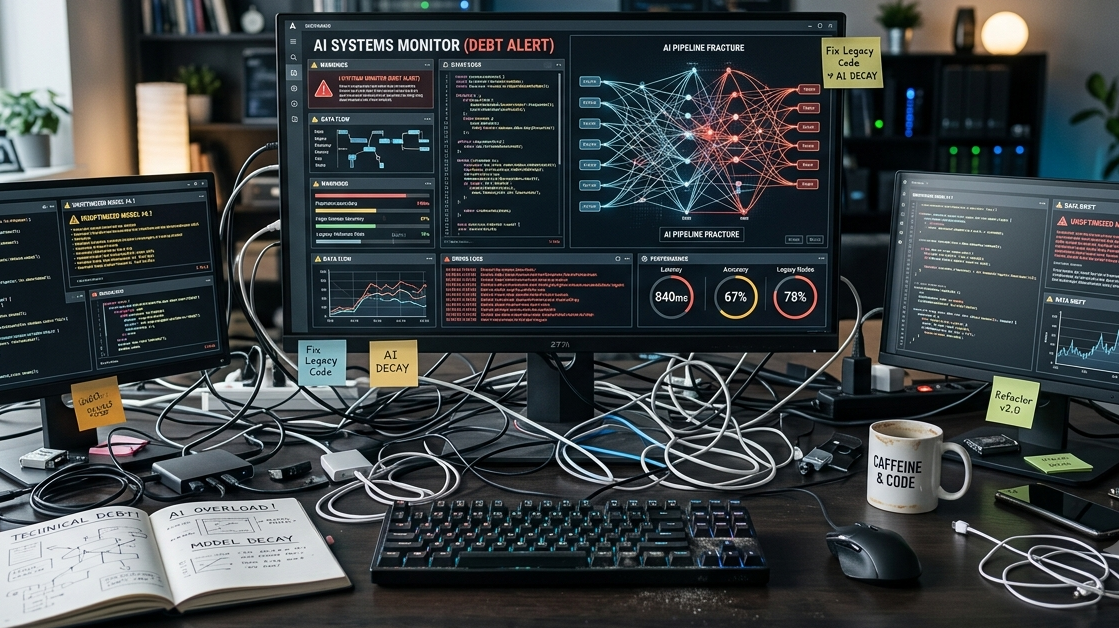
Making AI Suck Less

Midjourney-generated image.
As I’ve mentioned previously, it does not matter if you are pro or anti when it comes to AI, if you’re in the information security world you know that we are going to have to fix it. So here is one example of an attempt to try and provide some examples on how to do things a bit better with AI in an effort to make it spit out less slop. At the same time, this will save on tokens to a degree.
Note that this is aimed at coders, and while you can take the rough ideas and apply them to other areas besides code generation, I can’t promise you’ll get good results. But if you do please let me know!
The Setup
Having periodically researched LLMs, if I decide to use AI during coding, I typically use Anthropic’s Claude Code with a late-model Opus - usually Opus 4.7. I certainly do not use it in lieu of writing my own code and if it generates anything it is heavily reviewed. As far as Opus 4.7 specifically is used I’ll cover why on that specific model in a minute. I still use Claude from the web browser aka the “console”, and I also have access to Google’s Gemini.
The idea here is to not rely on a single session or chat to get something done. I use separate sessions to “fact check” the other session’s output.
The INITIAL Flow
Here is an example workflow.
I start in Gemini since its Internet searches are decent, and it does allow me to check its work to a degree since it lists the sources it searched for. It includes what it references from the web as sources, so I can verify the source itself. This is extremely handy, especially since if it is looking at something dated or from a questionable website with a reputation of somewhat trashy or buggy material, I can challenge these supposed “facts” it is basing its research on.
The main thing I am usually looking for with Gemini is a bit of background on what I will be coding up, especially if I am starting a new project. I use it to refine my feature requests, check for pre-existing work, note real world problems that it could potentially solve (or create), and come up with an outline of what I want. Note that often Gemini will add extra crap I am not interested in, so I address that by challenging Gemini to explain it or simply tell it to remove it. Based on the types of projects I work on and my overall preferences, my initial prompts at the beginning of a Gemini session have over time improved greatly.
I take the outline from Gemini, and in the web browser I ask Claude (using something like Opus 4.7) to work out the following:
An example PLAN.md file.
An example THREAT_MODEL.md file.
An overall CLAUDE.md file for the project. If the coding project is going to have multiple major components, I will make sure these are in separate directories with separate CLAUDE.md files for those components.
These files are reviewed heavily by me, I typically will go back and forth with Claude who is not only coming up with these files, but is asked to review the outline from Gemini to find elements that could cause issues such as security concerns, programming conflicts, and so on. I’ll also heavily edit all of these files as well - removing anything extra that was added or what I perceive to be slop. Of course a big point that I emphasize to Claude is the creation of extra technical debt, in that it shouldn’t be there. And I of course mention there should be no feature creep. I even give it a limit on SLOC to get the job done - overages on SLOC will require my approval. All of this happens well before any code is written. All of the files are edited as needed, I’ll take Claude’s input accordingly (assuming it is good) and then the entire thing is placed in a brand new git repository.
Coding
Now is the time to start the coding process. Experimentally I’ve done several approaches with AI. However my preferred method at this point is to simply start writing code myself. For example my “style” with CLI tools is to start with the “-h” or “help” options since this outlines what I want the code to do and the end result to be. I will roughly sketch out empty sections of code, grouping like-minded CLI options together in some logical fashion. Very quickly one can see what data is going to be passed from function to function. In essence, I start with my own form of scaffolding.
So the overall plan is this: build (or at least start) my scaffolding with the scoped out plans and threat models, flesh out the code completely, clean build/compile, and testing. I rarely want Claude involved until I start fleshing out the code, and it is a slow back and forth review process, and I am more than willing to update any and all of the .md files along the way. I prefer to typically start a new Claude session, advise a review of the various files in the repository, and to build upon scaffolding and any existing code put in place. The main themes emphasized in CLAUDE.md files are minimal code to get the job done, maximum security, comments that explain the various code sections, and spot-on linting (I hate sloppy-looking code). And of course ANYTHING written by Claude is reviewed.
A quick note on Fable 5 - as I write a lot of security-related code, it triggers a guardrail if certain keywords seem to be mentioned, so when I had free access to it I would simply use it for code review. Opus 4.8 also seemed to trigger some of the same guardrails as well, so for now the bulk of the AI work being done with Opus 4.7 when security tools are involved. I will ask Opus 4.8 or Fable 5 for a security review in a separate session to find any security bugs that I or an earlier Claude session had inadvertently added.
Conclusion
Since with each query to and from Anthropic an entire copy of the session is sent which eats up tokens, using periodic new sessions helps. Yes I know I could run /compact or ask for a concise summary then run /clear. However this process of stopping the session, reviewing all of the work regardless of AI or self created, adding and editing my own changes, then restarting with a fresh prompt, this is a good work habit when I use an LLM as I am coding. This doesn’t mean I use it every time. The possible exception to that rule is that I typically perform a security check or review via AI before I deem a release complete. So what this really means is that if I use AI then this is a process I can live with, I can get less slop, it is a somewhat quicker overall process, and I have learned a lot during the entire project.
Obviously if you adopt anything from this, I will assume you will simply take the parts of it you like, but if you have something else that helps your particular process, please let others (including me) know about it.