Bash Themes
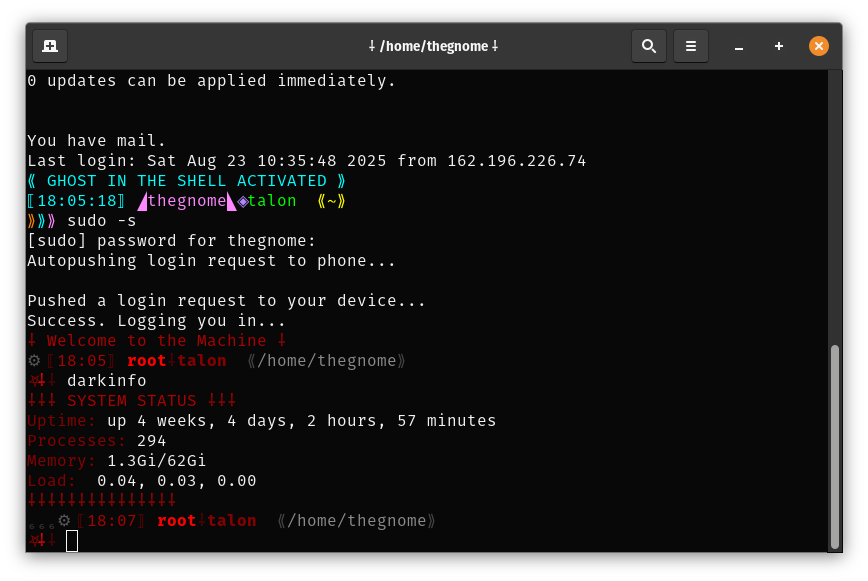
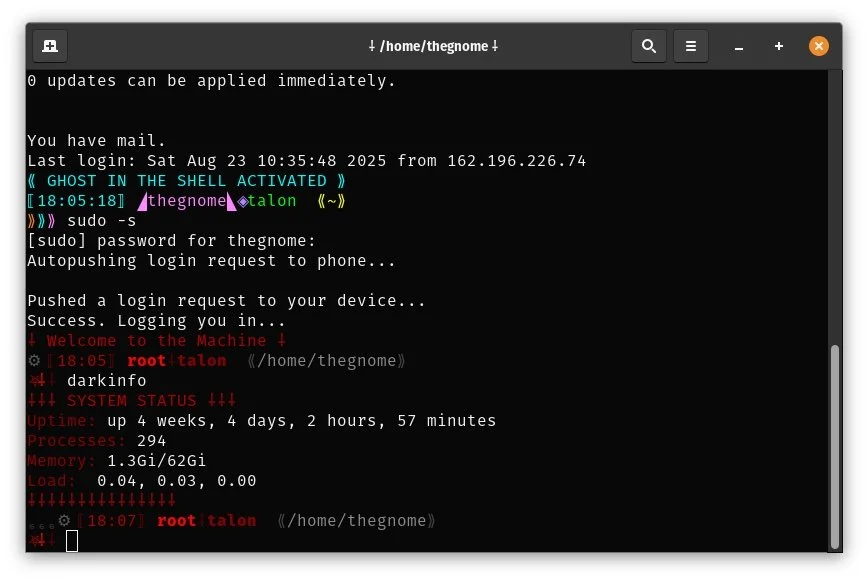
With separate themes, I know what’s what. A lot of work ahead as root to the point I use sudo -s? Things look different and I know to be careful.
For months I’ve been playing around with themes to use in bash. While I know a lot of people use something like Oh My Bash, I actually decided I wanted to learn more about how the prompt worked. I would simply experiment and kept experimenting, and gradually began to come up with something I kind of understood. Yes I did a fair amount of googling. And while at the end I did use AI (Claude Opus 4.1 actually), this was mainly to clean things up so it looked orderly - although there were a couple of suggestions Claude made that I kind of liked and I incorporated.
As a result, I ended up with three separate themes that are all in a separate framework. I swear I’ve typed in source ~/.bashrc an insane number of times getting things to work right.
What did I want?
The main thing I was looking for were three completely separate themes for three scenarios - main personal laptop/workstation, multi-user platform (like the NMRC mail/shell server), and root in case I su in for some extended work sessions performing administrative tasks. Visually I could immediately see some idea about what was going on, particularly if I had multiple sessions or terminal windows running and was jumping between them.
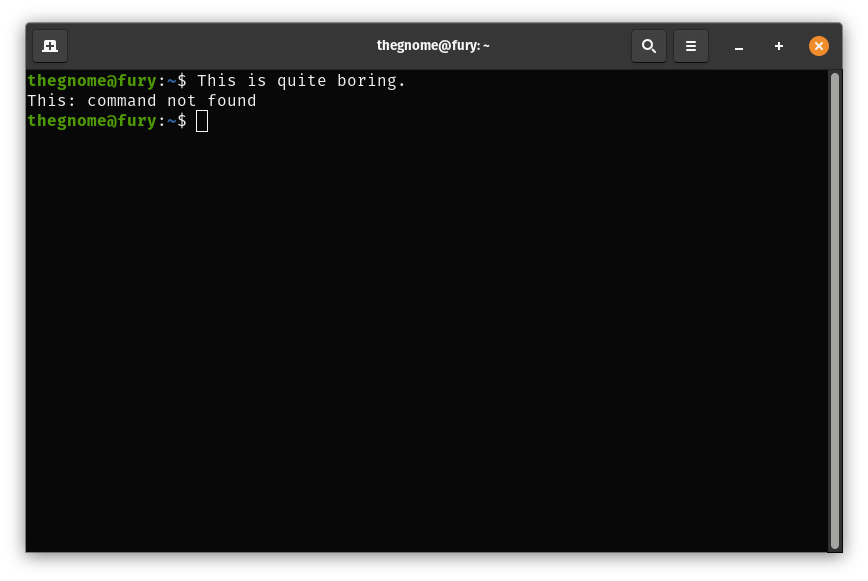
The stock terminal on my daily driver laptop running Pop_OS. Wow, I would get sleepy just looking at it.
I also wanted something that I (and possibly only I) thought looked cool. I was wanting to include various symbols and icons, and played around with choices. And I wanted the three themes to be pagan-based (for the personal daily driver), cyberpunk-based (for the multi-user scenario), and a somewhat mechanical yet dark and infernal kind of theme (for root).
While I did the cyberpunk one first, I spent the most time on the pagan-celtic theme, mainly because I got it in my head to include a moon phase tracker. Getting that to be “close enough” to accurate that I could live with it ended up being somewhat of a massive time crunch. Spoiler, the formula is taking the numeric value of the day, the month, and the year then doing day + month * 3 + year and doing mod 8 can get one close enough. And that was it - get it close enough. The worse part was forgetting bash interprets values that start with leading zeros as octal (base 8) which made things break on the 8th of the month (no 8 in 0-7). Once I figured out how to get around that via some googling, it worked.
What I ended up with
After Claude helped me clean things up (and suggested optional greetings when launching new sessions, which I started using), I ended up with my three themes. All three are git aware, show the time and the path, are in a two-line format, can show a lot of colors, and have variants included. The variants came about because I could not make up my mind on exact prompts, so the extras are there but commented out.
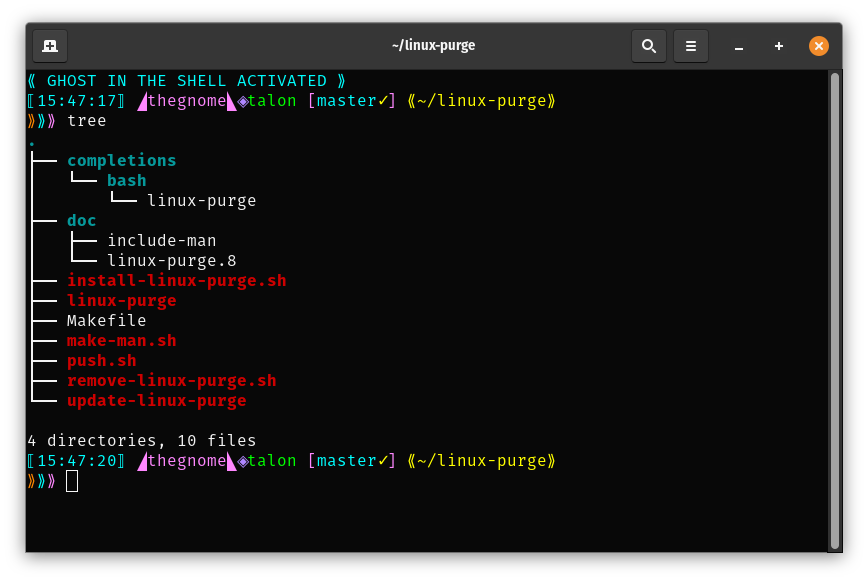
Cyberpunk theme, with a few variants uncommented.
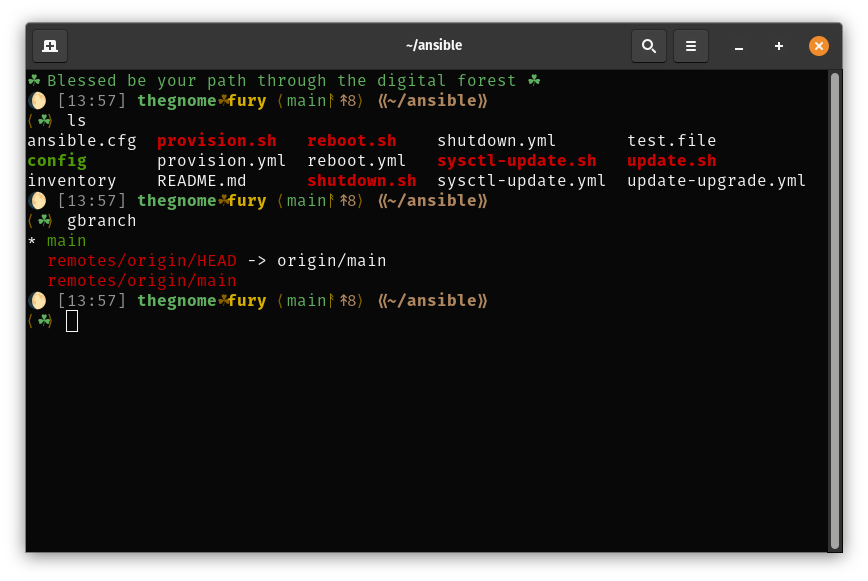
Pagan-celtic theme, with a few variants uncommented.
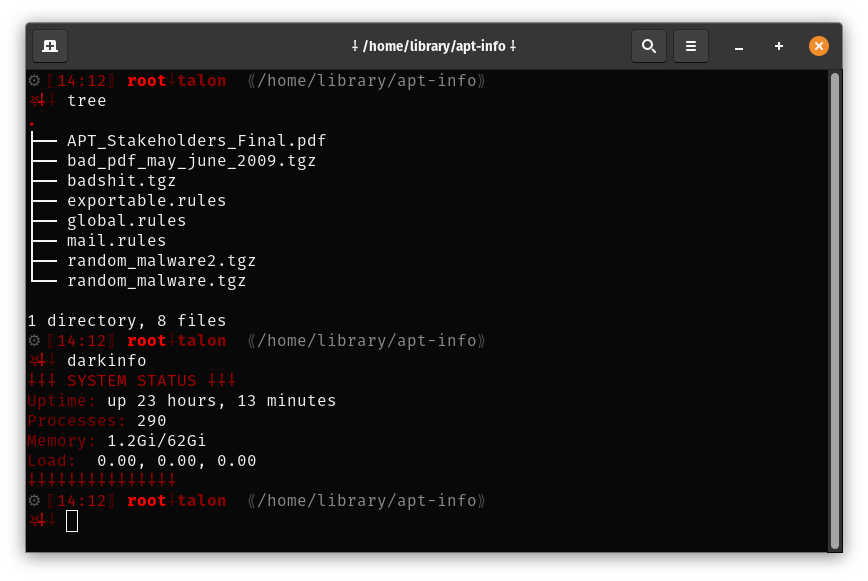
Dark infernal theme, with a few variants uncommented.
Where to get them
The themes can be found on the NMRC GitLab project page here. Enjoy them, and let me know how you like them!